
B2B Web Design Handoff Checklist: What to Check Before a Website Goes Live
There is a point in every website project when the design is approved, the development is finished, everyone is ready to celebrate, and somebody says, “I think we’re done.” That’s usually when the real work begins. The final handoff is one of the most important parts of a B2B web design project because a website can look completely finished while still having problems that aren’t obvious during a normal review. A contact form might not be sending messages. A button might work on desktop but fail on a phone. An analytics event might not be recording. A redirect might point to the wrong page. A page that looked perfect in Chrome might have a problem in Safari. None of those issues necessarily shows up in a design approval meeting.
That’s why a proper website handoff needs to be treated as a quality-control process rather than simply the moment when an agency gives the client administrative access. The website should be tested as a real customer would experience it, not simply inspected as a collection of completed pages. A website can be visually finished and still not be ready to become a live business asset.
Start With the Customer Journey
The first thing I would test isn’t the code. It’s the website itself. Open the homepage and pretend you have never seen the company before. What would you do next? Can you understand what the company does? Can you find the products or services you’re interested in? Can you figure out why you should trust the business? Can you contact someone without having to search around for the information?
Then follow those paths yourself. Click the primary calls to action. Open the navigation. Test dropdown menus. Follow breadcrumbs. Click footer links. Visit service pages and return to the homepage. Follow internal links. Try to find the contact information. This sounds obvious, but it is surprisingly easy for agencies and clients to review a website in pieces rather than experiencing it as a visitor. A B2B website can contain dozens of pages, but visitors don’t experience those pages independently. They move through the site looking for answers. Someone may arrive on a service page from Google, read about the company’s capabilities, look at a case study, check an about page, and then submit a consultation form. That entire journey needs to work. This is one reason I think website projects should be evaluated as systems rather than collections of individual pages. We’ve written about that idea before in Why Most Website Projects Fail Before Anyone Writes Code, because many website problems are actually created before development begins.
Test Every Form
Forms deserve their own testing process. Don’t simply open the contact page and confirm that the form is visible. Submit it. Try a normal submission first. Then deliberately do a few things wrong. Leave required fields empty. Enter an invalid email address. Check whether the error messages make sense. Submit the form and confirm that the success message appears. Then check what happens behind the scenes.
Does the email arrive? Does the lead enter the CRM? Does the marketing platform receive the information? Does a notification go to the appropriate person? If the website uses a scheduling system, does the submission actually make it through to that system? The website telling you “Your message has been sent” doesn’t necessarily mean your sales team received anything. Multi-step forms deserve even more attention. Go backward through the form. Change an earlier answer. Try different conditional paths. Make sure information isn’t unexpectedly lost when someone navigates between steps. This is especially important on B2B websites because the forms are often more complicated than a basic name, email and message field. Quote requests, consultation forms, project inquiries and qualification forms can contain significant conditional logic. A broken form can sit on a website for weeks without anyone noticing if nobody actually tests the complete process.
Test the Website on Real Devices
A responsive website should not be considered tested simply because the browser window can be resized. Use actual phones and tablets. Open the navigation. Tap the buttons. Fill out the forms. Scroll through long pages. Open modal windows. Rotate the device. Check fixed headers. Test accordions and sliders. Look at tables and other content that may not behave well on narrow screens.
Pay particular attention to the pages that matter commercially. If the most important service page looks great on a 27-inch monitor but the contact button is difficult to tap on an iPhone, the website isn’t finished. The same applies to browsers. Chrome may be the browser used during development, but that doesn’t mean it is the browser every customer uses. Safari, Edge and other browsers can expose small rendering or interaction problems that aren’t visible during development. You don’t necessarily need to test every possible device and browser combination. You do need to test the combinations that your customers are likely to use and pay particular attention to the website’s most important conversion paths.
Don’t Forget Website Performance
Website performance should also be evaluated before the handoff. And I’m not talking about obsessing over whether a particular speed-testing tool gives the homepage a perfect score. I’m talking about whether the website actually feels fast. Look for oversized images, unnecessary scripts, heavy fonts, third-party widgets and anything else that adds weight without providing enough value in return. Test important pages individually rather than assuming the homepage represents the entire website. A website can have a fast homepage and a painfully slow service page because one page happens to contain a large collection of images, embedded content or third-party scripts.
It’s also worth testing from different geographic locations when a business serves customers in multiple markets. A website can perform perfectly for the development team and behave differently for visitors connecting from another region. That becomes particularly relevant when the website uses geographic targeting, localized content or region-specific experiences. In those situations, geographically distributed testing can help confirm that visitors are receiving the correct version of the site and that assets are being delivered efficiently. Where appropriate, proxy services can also be used to simulate traffic originating from specific countries or regions, including services offering to buy anonymous proxy servers. The important point is that geographic testing should serve a genuine QA purpose. It shouldn’t become an excuse to add technical complexity that the website doesn’t actually need.
Check Accessibility Manually
Accessibility testing should happen before the website is handed over, not after somebody complains that something doesn’t work. Run an automated accessibility check, but don’t stop there. Use the keyboard to move through the website. Can you reach interactive elements? Is it obvious where the focus is? Can you open and close navigation elements without a mouse? Check heading structures, image alternative text, form labels and color contrast. Look at buttons and links and make sure their purpose is clear. Automated tools are valuable because they can identify certain technical problems quickly, but they don’t understand the experience of using a website the way a person does. Manual testing catches a different category of problems.
Open the Browser Developer Tools
There are problems that the human eye simply won’t see. That’s where browser developer tools become useful. Open the Console and Network panels while testing important pages. Look for failed requests, JavaScript errors, missing files, blocked resources and unexpected 4xx or 5xx responses. If the website communicates with a CRM, payment processor, scheduling platform, API or other external service, pay particular attention to those requests. A page can look completely normal while a background API call is failing. That is one of the reasons I don’t consider visual approval a technical QA process. Visual inspection answers the question, “Does this look right?” Developer tools can help answer the more important question: “Is everything actually working?”
Review SEO Before the Site Goes Live
SEO should be part of the handoff process as well. Check page titles, meta descriptions, headings, canonical URLs and internal links. Make sure pages that should be indexed aren’t accidentally blocked and that staging or development settings haven’t followed the website into production. Review the XML sitemap and make sure important URLs are included.
Check redirects if the website is replacing an existing site. This is particularly important when URLs have changed. A redesigned website shouldn’t unnecessarily throw away years of accumulated search visibility simply because the new navigation structure is different. SEO is much easier to protect before launch than it is to repair afterward. We’ve covered this in more detail in Do I Need SEO Before, During, or After My Website Is Built? SEO isn’t something that gets sprinkled onto a completed website at the very end. The technical structure, content and user experience are all connected. If you’re rebuilding a site specifically to improve its search visibility, I would also treat the Denver SEO services side of the project as part of the larger website strategy rather than as a completely separate activity.
Verify Analytics and Conversion Tracking
Analytics is another area where “the code is installed” isn’t the same thing as “tracking works.” Trigger the important events yourself. Submit a contact form. Click a phone number. Complete a consultation request. Download a resource if downloads are being tracked. Then verify that those actions actually appear in the analytics platform. If the website uses advertising or marketing pixels, check those too. This is especially important when replacing an existing website. The redesign shouldn’t accidentally eliminate conversion data that the business depends on to understand where leads are coming from. A website that generates leads but can’t tell the business where those leads originated is leaving useful information on the table.
Read the Website Like an Editor
Technical QA gets most of the attention, but content deserves a final pass too. Actually read the pages. Look for outdated phone numbers, inconsistent company names, missing words, strange spacing, placeholder copy, broken links and old information that survived from the previous website. Check downloadable PDFs and other assets as well. If the website has multiple languages or regional versions, review those pages independently. Don’t assume that because the primary English version is correct, every localized version is correct too. Check dates, currencies, contact information, navigation labels and localized links. These details may seem minor, but they’re part of the overall impression the website creates. We’ve talked about this from a broader perspective in What Should Every Small Business Website Include? A website isn’t simply a collection of attractive pages. Every detail contributes to whether a visitor understands the business and feels comfortable taking the next step.
Test the Production Environment
One final mistake I see is treating staging and production as though they are identical. They aren’t always. Once the website is live, test the actual production domain. Check the SSL certificate. Check DNS. Check redirects. Check analytics. Check forms. Check important pages again. Clear caches where appropriate and make sure production assets are loading correctly. If the domain is changing, make sure the old URLs redirect to the appropriate new pages rather than simply dumping visitors onto the homepage. This is the point where the website stops being a development project and becomes a live business asset. That’s an important distinction.
Prepare the Actual Handoff
The final handoff should include more than an administrator password. The client should know how to manage the parts of the website they’re expected to manage. They should understand any unusual functionality, important integrations and third-party services. Document custom CMS fields and anything else that isn’t obvious to someone encountering the website for the first time. Make clear which services are owned by the client, which are managed by the agency, and which carry separate subscriptions or fees. A good handoff should make the client feel like they have received a functioning business tool rather than a mysterious piece of software they now have to figure out. That is the real purpose of the handoff: not simply transferring access, but making sure the client receives something that is ready to operate as a business website.
The Final B2B Website Handoff Checklist
Before declaring the project finished, I would want to know that the following have been checked:
- Primary navigation and internal links work.
- Contact and lead-generation forms submit correctly.
- CRM and third-party integrations receive the expected information.
- Important pages work properly on actual mobile devices.
- Major browsers have been checked.
- Accessibility has been reviewed.
- Important pages have been tested for performance.
- Analytics and conversion tracking are recording correctly.
- SEO titles, indexing settings, canonicals and redirects are correct.
- Content and contact information are accurate.
- Production DNS, SSL and domain settings are working.
- The client has the access and documentation needed to manage the website.
The website handoff is easy to underestimate because most of the visible work has already been done. But that’s exactly why the final QA stage matters. A website can be 99 percent finished and still have one broken form, one bad redirect or one integration that quietly isn’t working. From the agency’s perspective, those might be small technical problems. From the client’s perspective, they’re problems with the website they just paid for. A good B2B web design process therefore doesn’t end when the last page is approved. It ends when the website has been tested as a real customer would use it, the important systems have been verified, and the client can take ownership with confidence. That’s what a professional handoff should accomplish. Not just a website that looks finished. A website that is actually ready.
Related Reading
If you’re working through a website redesign or launch, you may also find these useful:
- Why Most Website Projects Fail Before Anyone Writes Code
- Do I Need SEO Before, During, or After My Website Is Built?
- What Should Every Small Business Website Include?
- Denver Web Design
- Denver SEO Services
This article was written by Ally Lennon, Big Orange Planet’s SEO legend—call him directly! Phone: 720-272-0770.

About Ally Lennon
Ally Lennon is the founder of Big Orange Planet, a Denver web design and SEO company. He builds websites, fixes the ones that aren't working, and has spent more than two decades developing SEO strategies that get businesses found online. He also spends an unreasonable amount of time figuring out what Google, AI and the rest of the internet are going to do next.
Get the Good Stuff
No fluff. Just practical web design ideas, SEO insight, behind-the-scenes projects, & solutions we've tested in the real world.
Never Miss a Good Idea
More Big Orange Knowledge
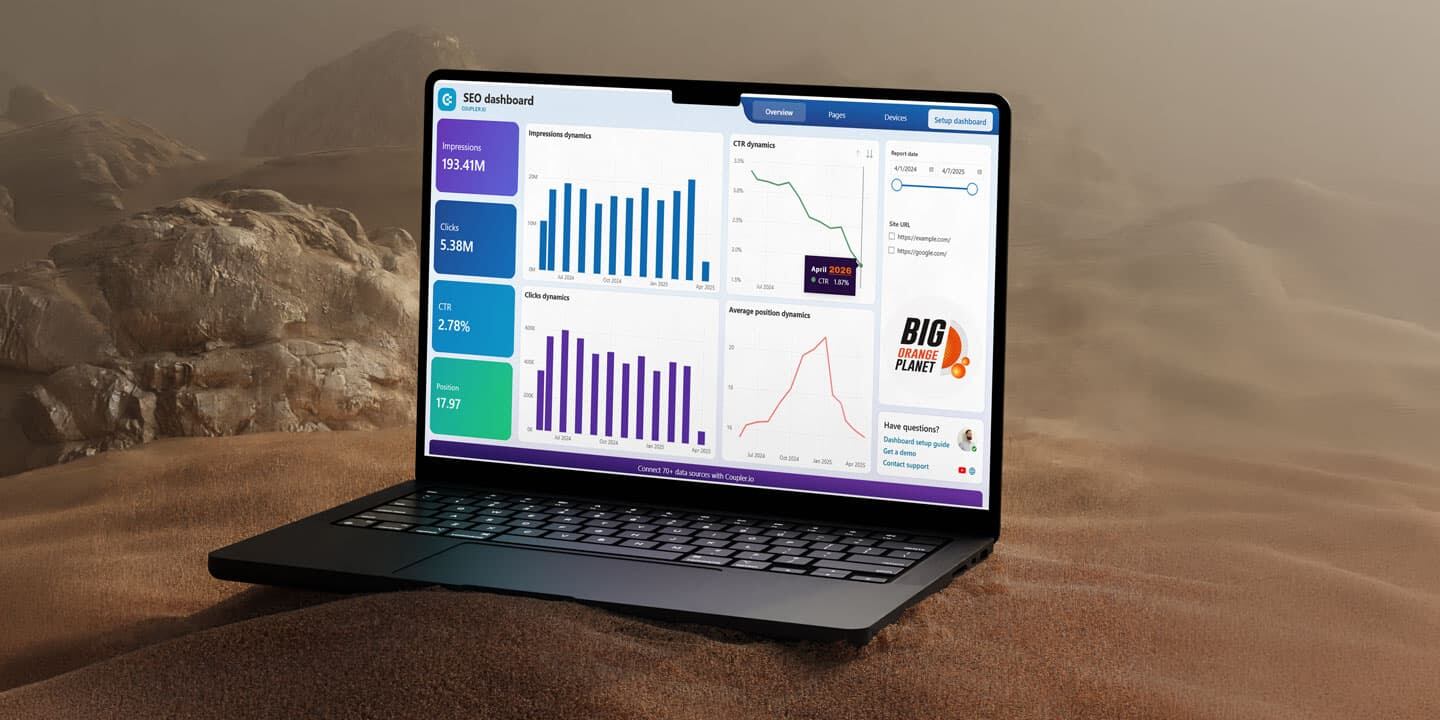
Google Algorithm Update 2026: What’s Happening in Search Right Now
Google rankings can move dramatically without signalling a permanent decline.…

How Much Does a Website Redesign Actually Cost?
Website redesign quotes can range from a few thousand dollars to $30,000 or…
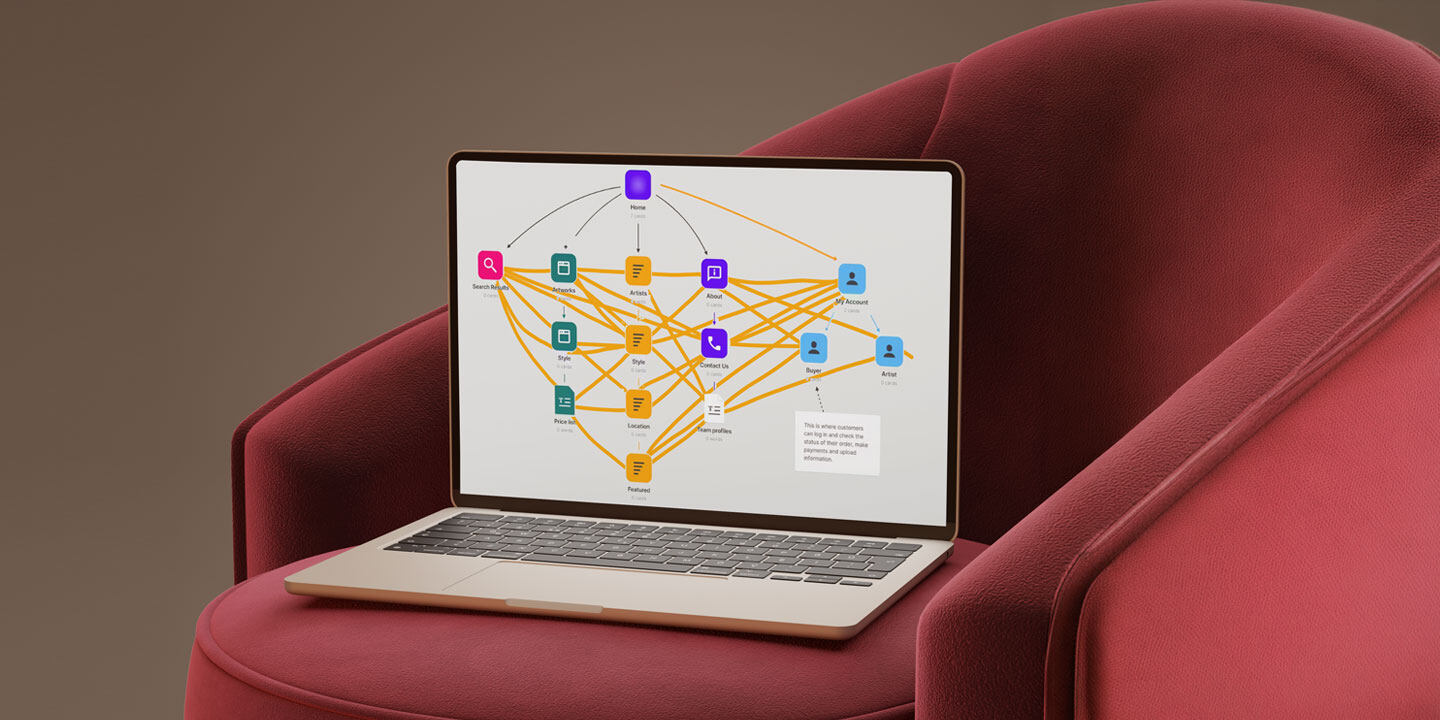
Internal Linking: The Most Overlooked SEO Lever
Internal linking is one of the most overlooked parts of SEO. A clear linking…

Small Business Web Design in Denver: What Actually Works (2026 Guide)
Google search results are shifting across industries, keyword clusters, and…
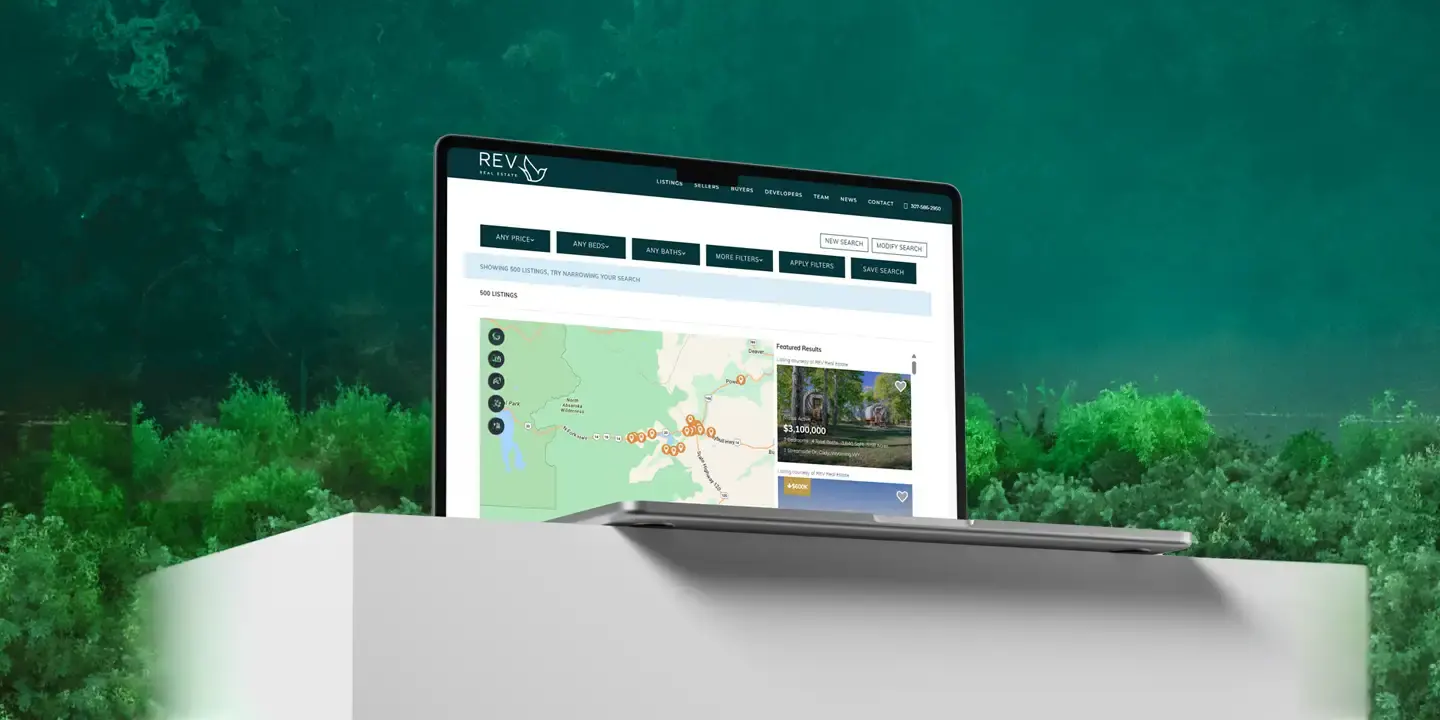
How We Gave an IDX Broker Listings Page a Fully Custom Look
A behind-the-scenes look at how we customized an IDX Broker listings page for…

How Digital Tools Are Changing the Way Modern Businesses Grow
An exploration of how digital tools are helping modern businesses work more…